

Reference

The bubosspicks App: Bet From Any Device

bubosspicks loads fast in your mobile browser — open your betslip on NFL Sunday, check your account balance, and navigate the lobby without installing anything.

mobile browser readyaccount access on the gono forced downloadavailability by state lawquick betslip access
bubosspicks The bubosspicks App: Bet From Any Device
bubosspicks Live Tables, Slots, and Your Betslip — All on Mobile

Live Tables, Slots, and Your Betslip — All on Mobile

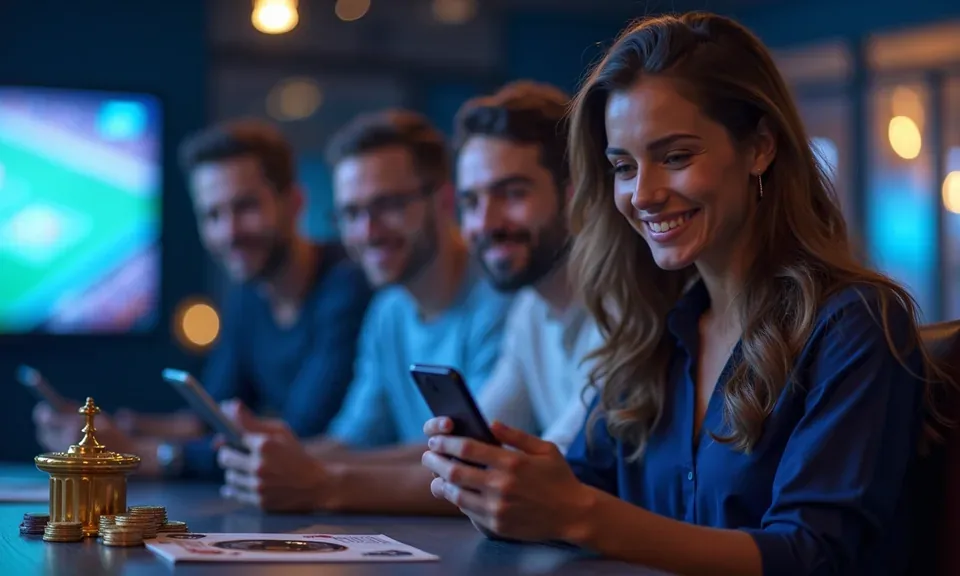
The bubosspicks mobile experience puts live dealer tables from Evolution, fan-favourite slots like Rattlesnake Riches and Gates of Olympus, and the full NFL sportsbook in one scrollable lobby. Push notifications let you know when a same-game parlay resolves or when your NBA player-props bet settles. Quick deposit from your saved payment method takes seconds — tap the wallet icon, confirm the amount,

and your balance updates. Fingerprint login means you skip the password step every time you return. Whether you're in Phoenix catching a night game or checking a score between innings, the layout adjusts cleanly to your screen size.
Four Things That Make Mobile Feel Different Here

Speed and feel matter on mobile. These four features are what make the bubosspicks mobile experience worth staying in rather than switching to desktop — each one designed around how you actually use your phone during a game.

Biometric Login

Face ID or fingerprint unlocks your account in under two seconds. No typing a password at the two-minute warning when you need to place a bet fast.

Push Notifications

Opt in to get alerts when your parlay settles, a live table seat opens, or your withdrawal clears. Notifications go directly to your lock screen.

Dark Mode Display

The interface switches to dark mode automatically in low-light environments, so late-night live dealer sessions are easier on your eyes without digging into settings.

Offline Lobby Preview

Browse game tiles and check your bet history even when your signal drops. The lobby caches your last session so you know exactly where to pick back up.

DEVICE COMPATIBILITY CHECK

What Devices and Browsers Work With bubosspicks

Before you sit down for a live session of Double Ball Blackjack or a college football same-game parlay, it helps to know your setup is going to hold up. Here's what we've confirmed works and what to check on your end if something feels off.

bubosspicks iOS — Safari

iOS — Safari

Safari on iPhone and iPad is the primary tested browser for iOS. Keep it updated through iOS Settings for the smoothest live dealer stream and account load times.

bubosspicks Android — Chrome

Android — Chrome

Chrome on Android handles the full lobby without issues. Other Chromium-based browsers generally work but Chrome is what we test against for layout and login.

bubosspicks Screen Layout

Screen Layout

The lobby adapts to portrait and landscape. Landscape is worth switching to for live dealer tables — the card and chip areas display without any cropping.

bubosspicks Mobile Access in Three Steps

Mobile Access in Three Steps

Getting into the bubosspicks mobile lobby does not require an app store download or an APK file. Your browser handles the whole thing. On iOS, open Safari; on Android, Chrome works cleanly. Navigate to bubosspicks and the site detects your device and switches to the mobile layout automatically. Sign in with your existing credentials or use biometric login if you have already

set it up in account settings. From there, the sportsbook, slots, and live dealer sections are one tap away — same account, same wallet, same bet history you see on desktop. If you want the site icon on your home screen, use your browser's 'Add to Home Screen' option; it behaves like a shortcut, not a separate install.

  • Open your mobile browser — Navigate to bubosspicks in Safari (iOS) or Chrome (Android). The mobile layout loads automatically — no version switching needed.
  • Sign in securely — Enter your account credentials or use fingerprint or Face ID if biometric login is already active in your account settings.
  • Add to your home screen — Use your browser's 'Add to Home Screen' option to pin a shortcut. It opens full-screen so the address bar stays out of the way.

Common Questions About the bubosspicks Mobile Experience

These are the questions we see most from people setting up mobile access for the first time or switching from desktop. Straight answers, no runaround.

A browser-based mobile experience is what we currently offer at bubosspicks. Check your app store directly or the account help section to see whether a native build is available in your region.

Yes. The full sportsbook — including same-game parlays and player props for NFL, NBA, and college football — is accessible from the mobile browser lobby, same as desktop.

Go to account settings after logging in on your mobile browser and look for the security section. Toggle on biometric login and follow the prompt to link your device's fingerprint or Face ID.

Live dealer tables from Evolution stream on mobile data but a stable Wi-Fi connection gives you a cleaner experience. If the stream stutters, drop video quality in the table settings panel.

Availability depends on state law. Access is available only where local regulations permit online sports betting or casino play. The sign-in screen will flag eligibility for your location.

Your bet history, account balance, and transaction records are all visible on mobile. Tap the account icon in the top navigation to pull up the same data you see on desktop.
Reference

bubosspicks App

Service availability depends on eligible states and local law. US online casino and sportsbook access is licensed state by state, so check your state's rules before opening an account. 21+ where applicable.

Access may be available only in states where local law permits.